


Google Slides Templates for the Classroom
Share this Post
When schools suddenly shifted to distance learning in 2020, teachers were scrambling to figure out how to make virtual teaching work.
I remember thinking about all of those teachers who were trying to turn their living rooms, kitchen tables, and home offices into classrooms overnight. There were so many things to figure out. And even the little things, like what your students were looking at on their screens all day, suddenly felt important.
Around that time, a teacher reached out to me because she loved my classroom decor and asked if I could create Google Slides templates that matched the look and feel of my classroom designs.
I thought that was such a fun idea.
So I started creating them!
What began as a way to help teachers make their virtual classrooms feel a little more fun and polished has turned into a huge collection of Google Slides templates for the classroom that teachers can use both online and in person. And honestly, I still love seeing all the creative ways teachers use them!

Let’s explore more about ways you can use Google Slides templates in your classroom, why they’re great for routines, and more. Plus I’m sharing a free set of slides templates later in this blog post! Keep reading for how to download the freebie!
What Can You Use Google Slides Templates For?
One of my favorite things about Google Slides is that they can do so much more than create a presentation.
With a good set of classroom templates, you can create a consistent place for students to find important information throughout the day. You can use classroom Google Slides templates for things like:
- Morning messages
- Daily schedules
- Morning meeting
- Announcements
- Learning objectives
- Subject headings
- Centers and rotations
- Directions and instructions
- Reminders
- Student spotlights
- End-of-day messages
- Virtual classroom activities
And because the templates are editable, you can customize them with the information your class actually needs.
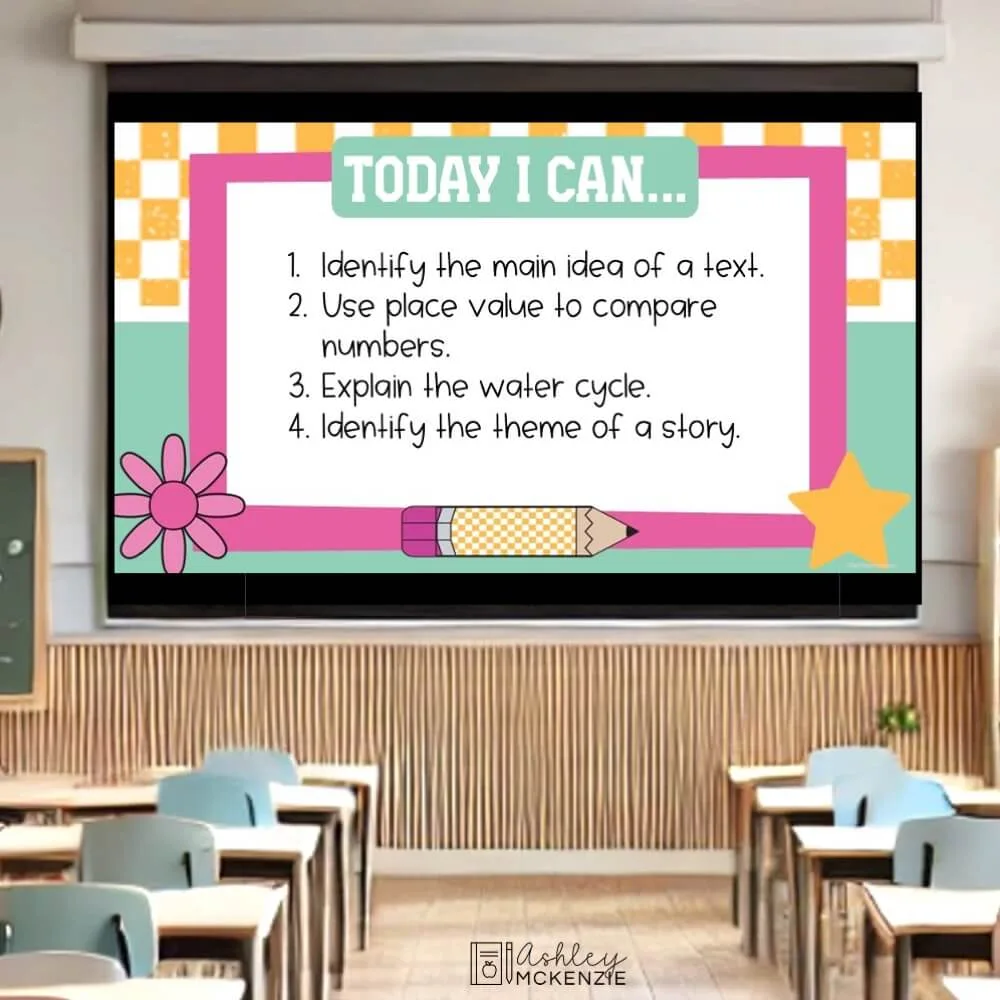
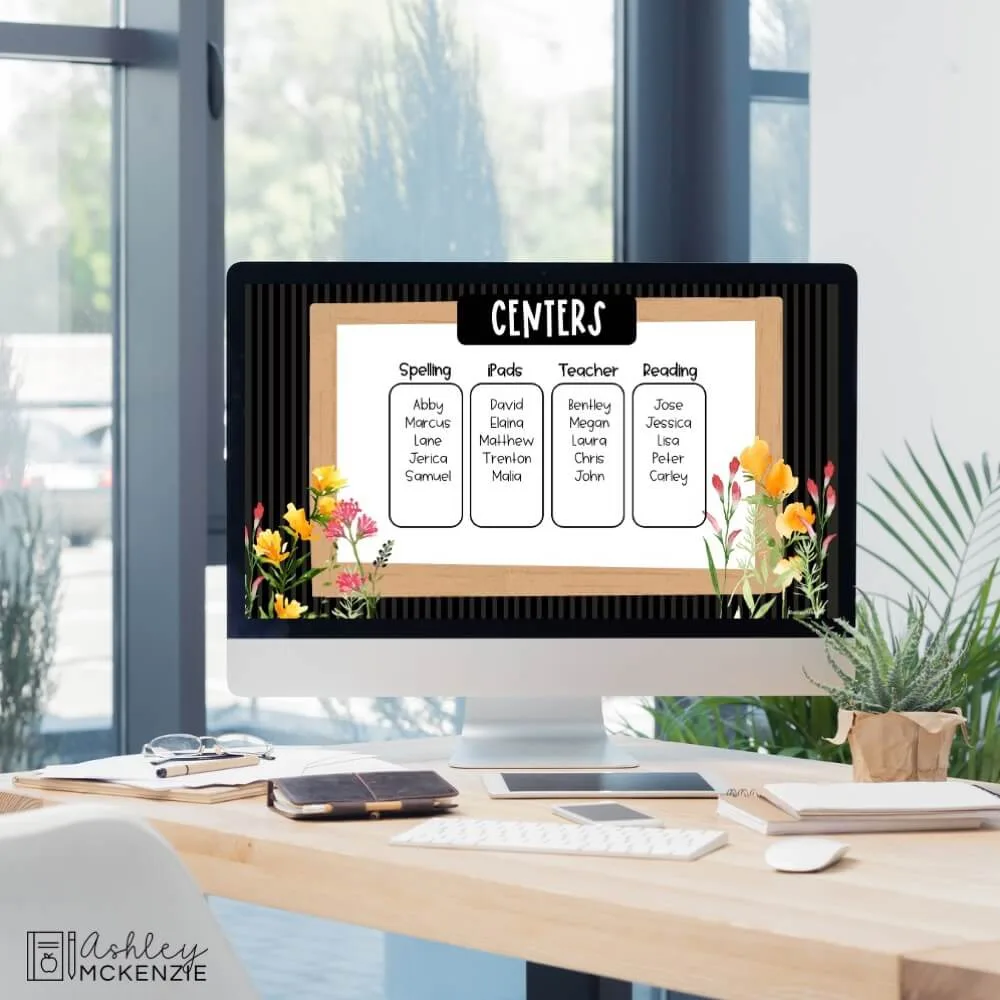
Want more ideas for using Google Slides to organize your classroom?
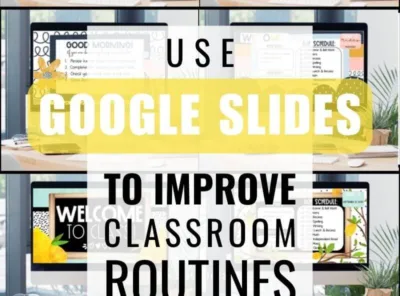
I’ve written a whole post about ways you can use Google Slides to improve your classroom routines, including ideas for morning messages, centers, transitions, and end-of-day routines.
Why Use Classroom Google Slides Templates?
If you’ve ever spent way too much time making your slides look cute before you’ve even gotten to the actual lesson planning, you know exactly where I’m coming from.
Having a set of ready-to-use templates means you don’t have to start from a blank slide every time. You can choose a design you love, add your own text, and have a polished slide ready to display.
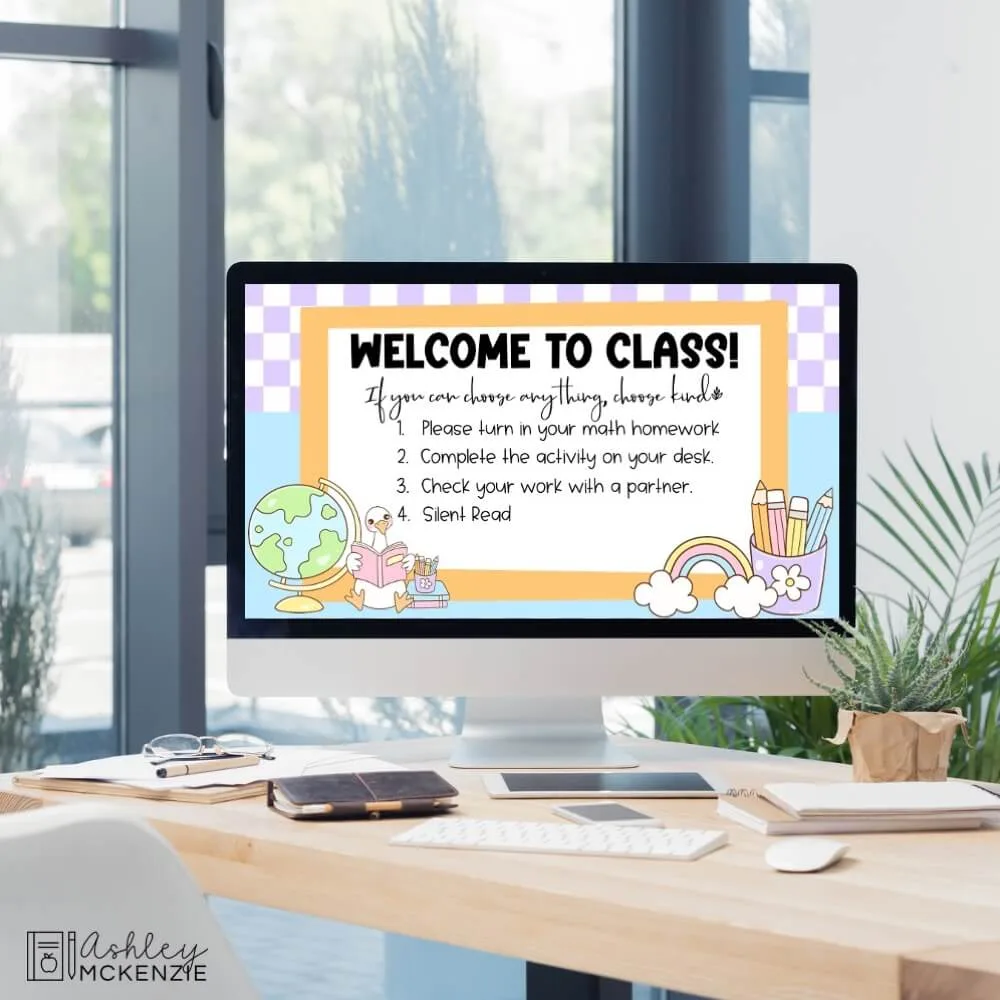
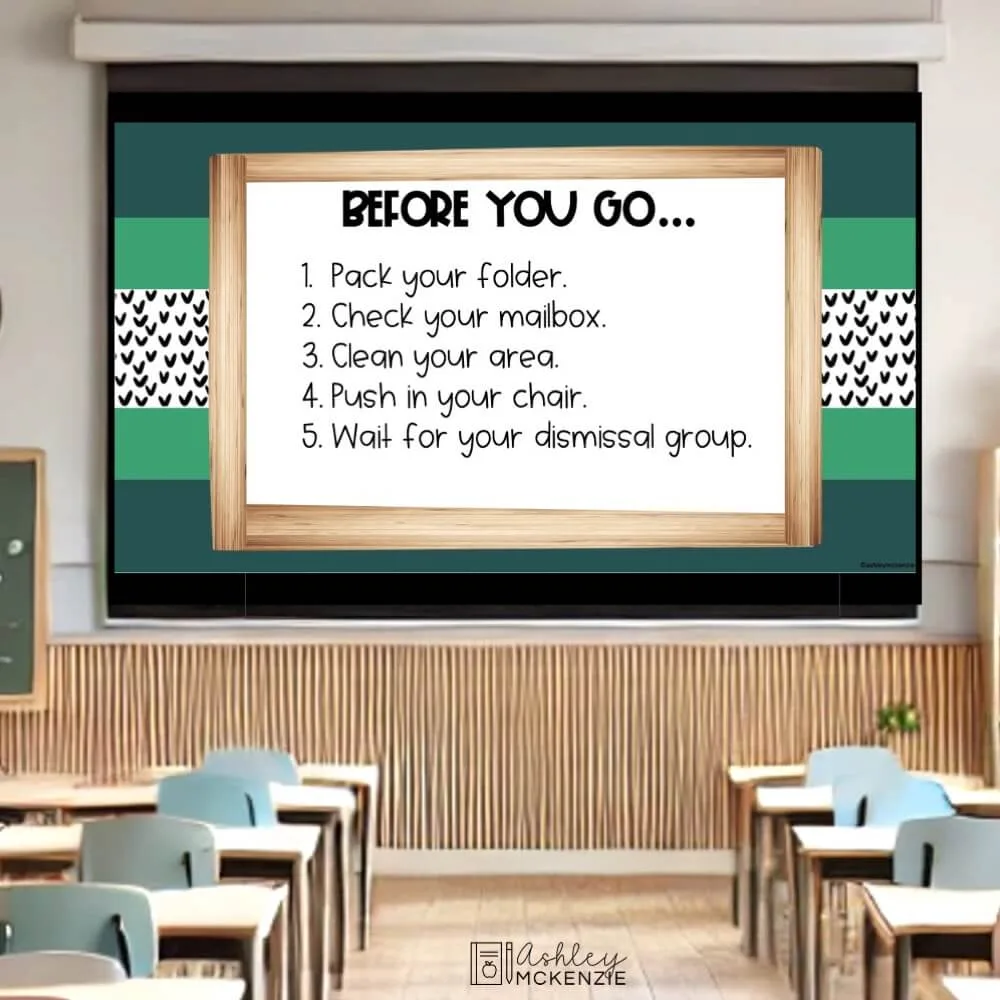
Even better, using the same basic slide layouts throughout the day gives your students a consistent place to look for information. Instead of asking: “What are we doing next?” for the 47th time that morning, students can check the screen.
And if you like coordinating your digital classroom with the rest of your classroom decor, you can choose slide templates that match your classroom theme, too!
Google Slides Templates for Your Classroom Theme
One of my favorite things about creating these templates is being able to carry your classroom decor theme into your digital space.
If you’ve already decorated your classroom with a theme you love, matching Google Slides templates can make everything feel even more cohesive.
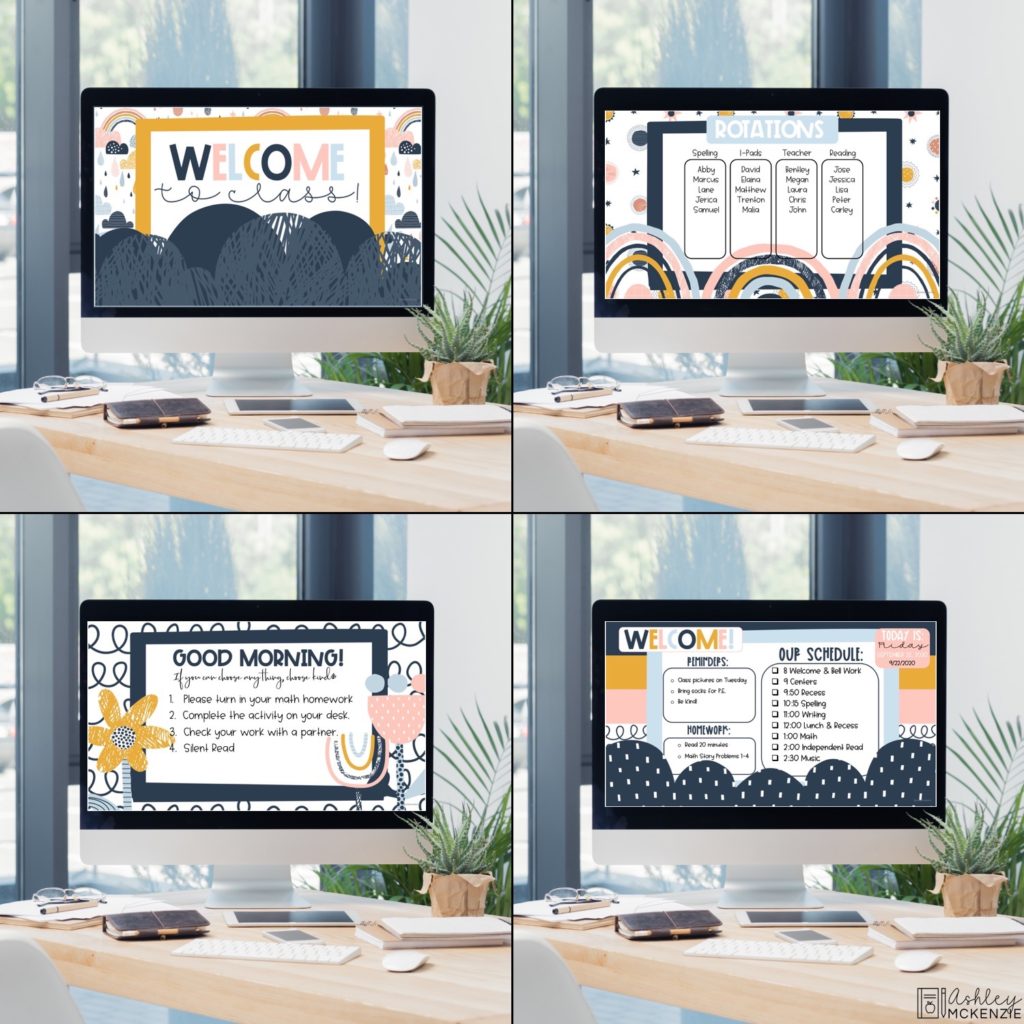
I have Google Slides and PowerPoint templates in a variety of classroom decor themes, including colorful, modern, playful, neutral, and seasonal designs. And if you’re interested in a full classroom decor bundle, almost all of my bundles already include matching slide templates!
Daily Slides Templates
If you want one collection of templates that you can use again and again, my Daily Slides Templates Bundles are a great place to start.
These bundles include a variety of editable slides for everyday classroom routines, including greeting and welcome slides, schedules, subject slides, announcements, objectives, reminders, centers, rotations, and more.
You can mix and match the designs to create a daily slide deck that works for your classroom.
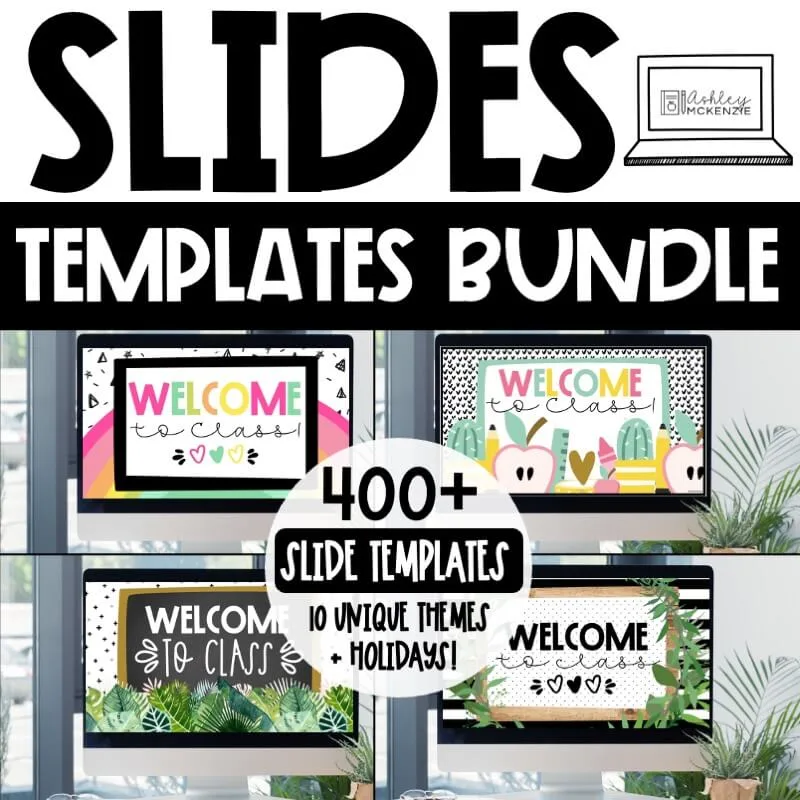
I also have two additional bundles with even more designs and themes.
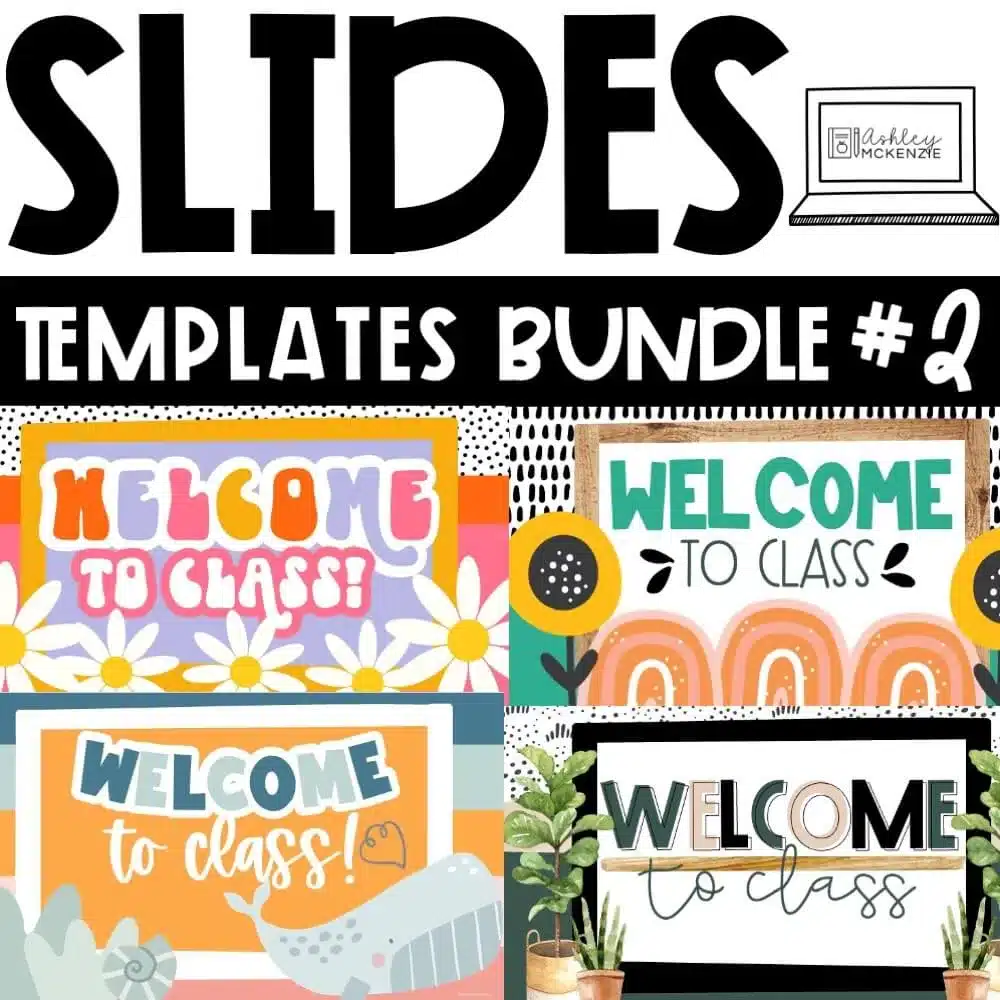
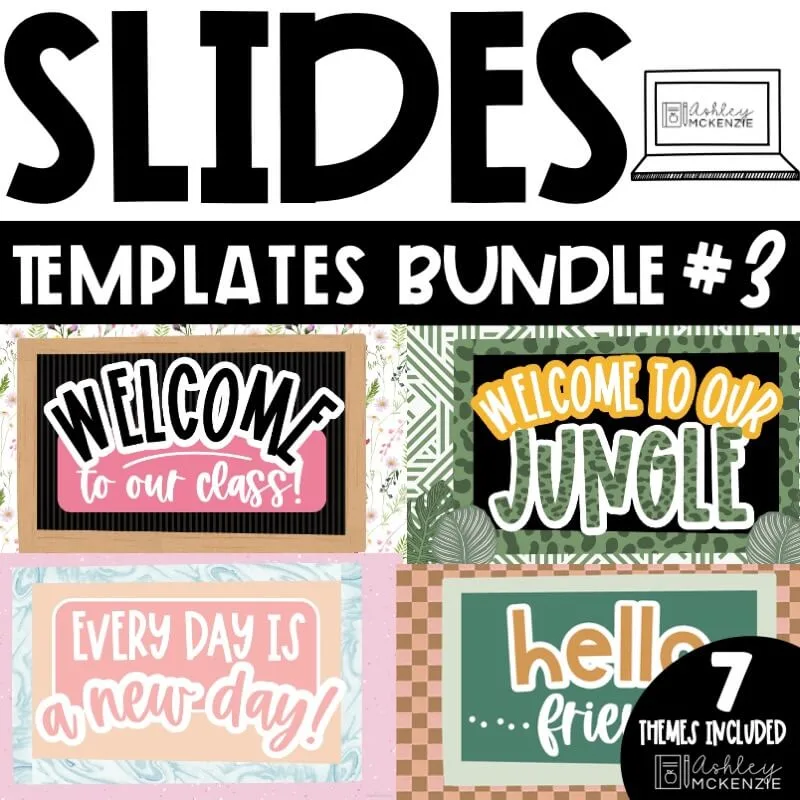
Matching Slides for Your Classroom Decor
Many of my classroom decor themes also include coordinating Google Slides templates. So if you love a particular classroom theme, you can carry that same look onto your classroom screen with the bundle!

For example, you can use matching slides alongside your bulletin boards, posters, classroom labels, and other decor to create a cohesive classroom look.
Seasonal Google Slides Templates
Here’s where things get especially fun!
You don’t have to use the same classroom slides all year long.
I love switching to seasonal Google Slides templates throughout the school year so the classroom feels fresh and festive without having to completely redecorate. And students LOVE seeing how your slides change with the seasons!
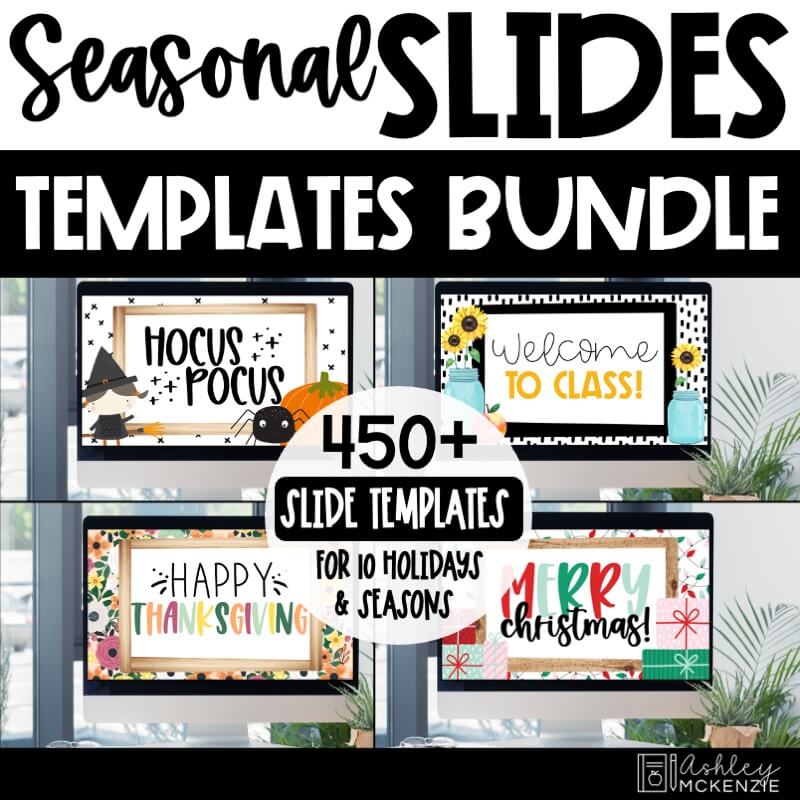
My Seasonal Google Slides Templates Bundle includes designs for different seasons and holidays, so you can change your daily slides as the school year progresses.
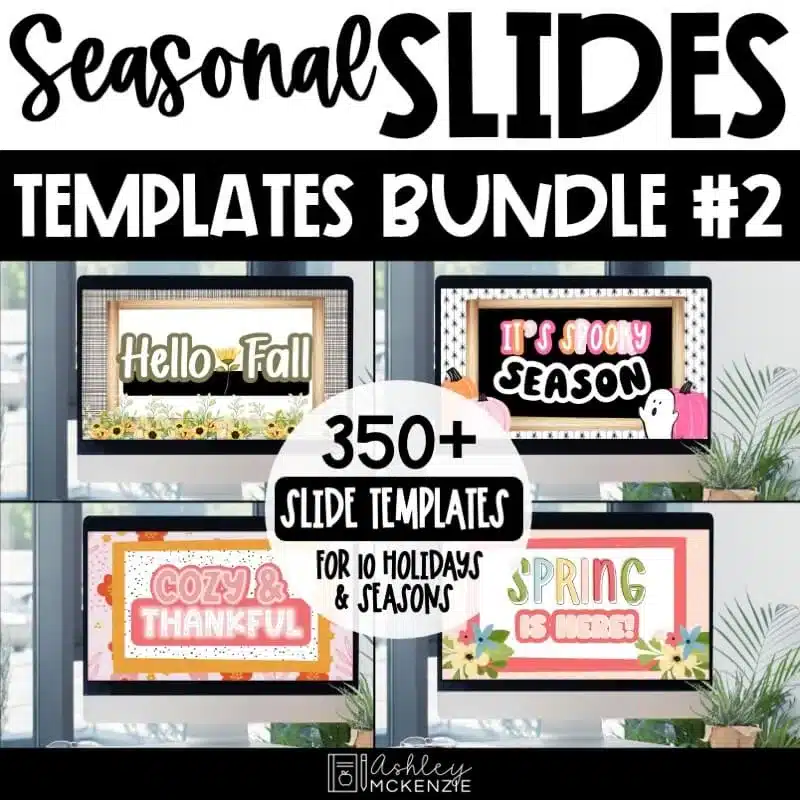
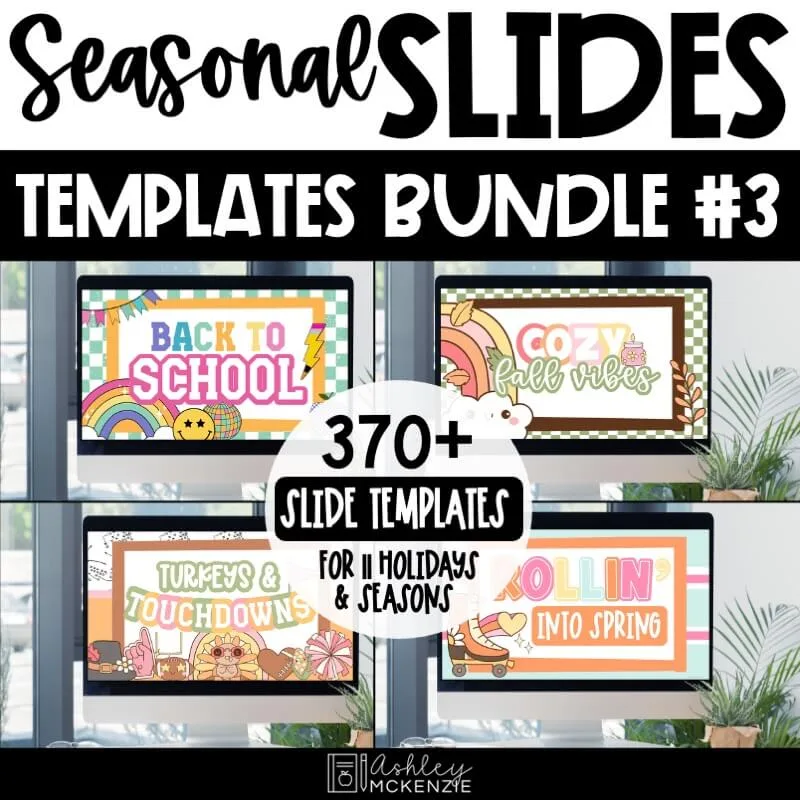
And if you want even more seasonal designs, I have two follow-up slides bundles each with designs for fall, Halloween, Thanksgiving, winter, spring, and more.
Fall Google Slides Templates Are a Teacher Favorite
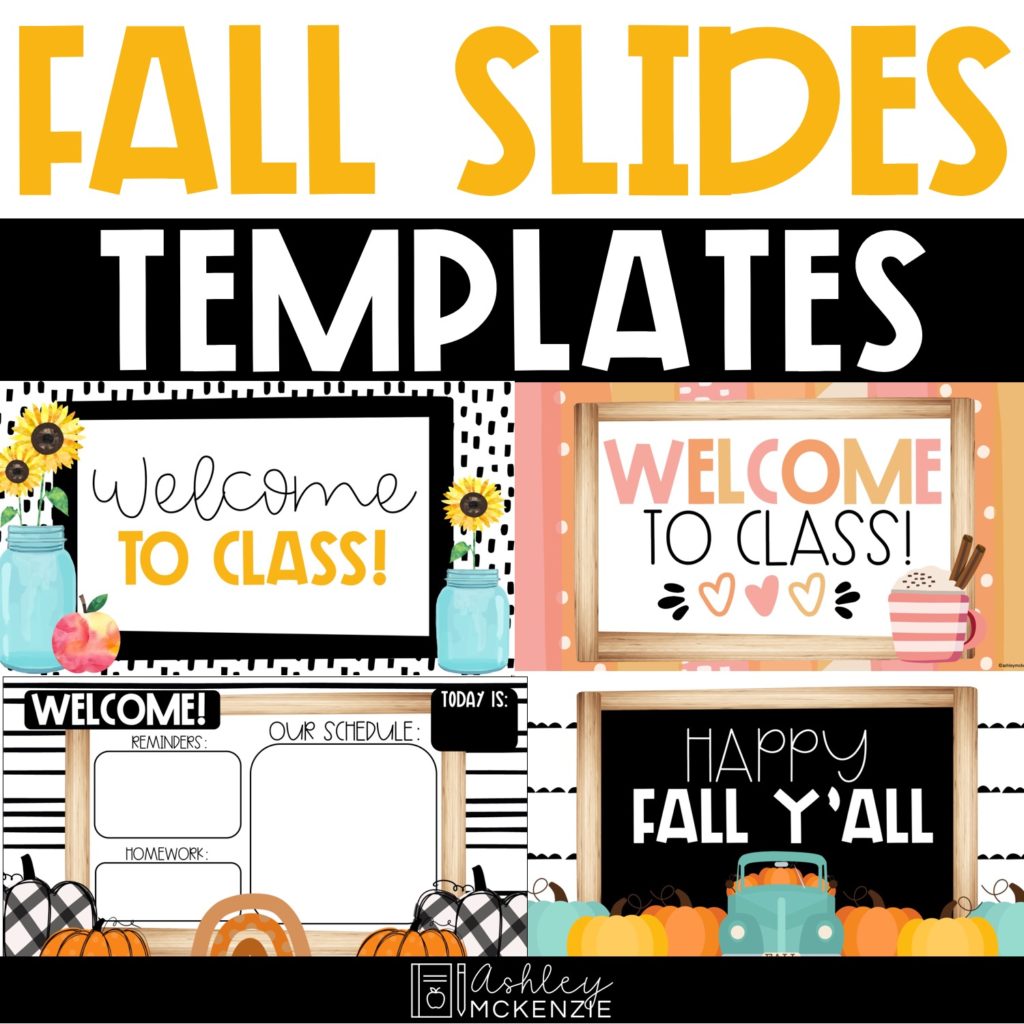
One of the seasonal favorites are my fall Google Slides templates! Fall is such a fun time to give your classroom slides a seasonal update. You can keep using the same daily routines and information while giving your screen a completely different look.
Use fall slides for:
- September morning messages
- Daily schedules
- Morning meeting
- Announcements
- Learning objectives
- Centers and rotations
- October activities
- Halloween classroom routines
And because the templates are editable, you can keep the information specific to your classroom while letting the design bring in those cozy fall vibes.
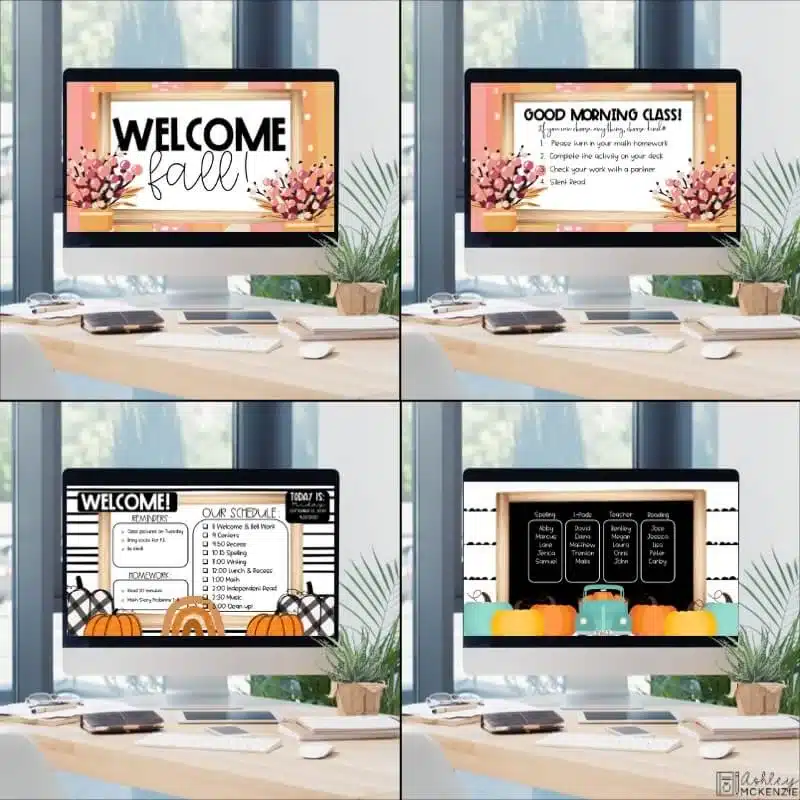
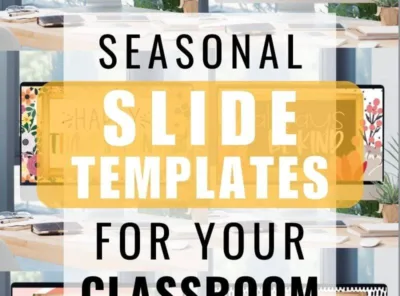
Check out another blog post for even more ideas for using seasonal templates throughout the school year.
Want More Ideas for Using Daily Classroom Slides?
If you’re just getting started with daily classroom slides, I’ve got another post that walks through 7 ways daily slides can make the first weeks of school easier. We cover everything from morning messages and schedules to reminders and classroom routines.

The ideas aren’t just useful for the first weeks of school, either. Once you have a daily slide routine established, you can continue using it throughout the entire school year.
A Simple Way to Make Your Classroom Feel More Put Together
I originally created these Google Slides templates because I wanted teachers to have a way to make their virtual classrooms feel a little more fun and personal during a very strange time.
But I’ve loved seeing how they’ve evolved into something teachers use every day, both online and in their actual classrooms.

Whether you use them for your morning message, display your daily schedule, organize centers, post reminders, or simply add a little personality to your classroom screen, Google Slides templates can make your daily routines feel more polished without adding more work to your plate.
And if you already have a classroom decor theme you love, matching your digital slides to that theme is such a simple way to make your whole classroom feel more cohesive.
FREE Set of Modern Farmhouse Google Slides Templates
Start using Google Slides Templates in your classroom today with this FREE set! These Modern Farmhouse themed templates will make it fun to display your morning schedule, centers/rotations, and more! Try them out today!
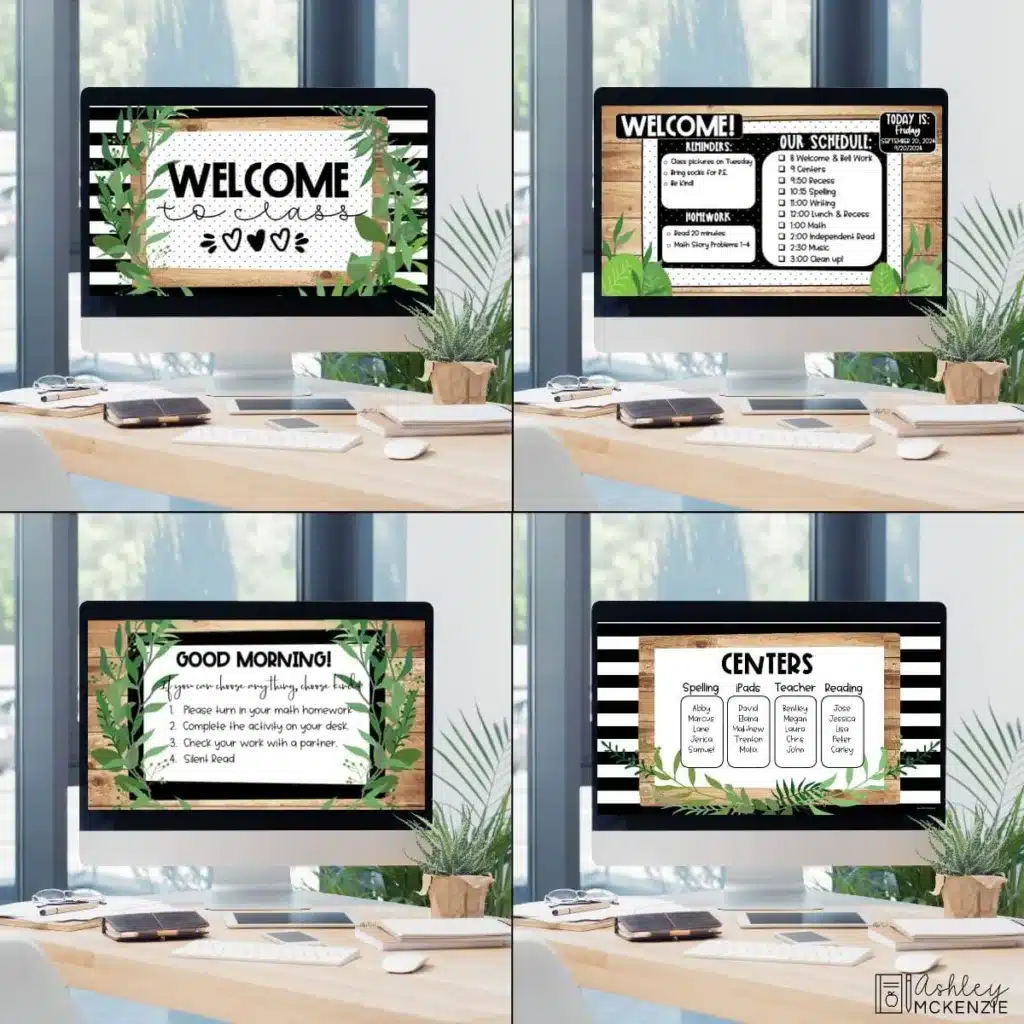
Download these FREE templates by subscribing to my email list below! You’ll get my weekly newsletter loaded with classroom decor tips, updates, and access to great freebies like this!
Using Google Slides Templates in Your Classroom
I hope these ideas give you some fresh inspiration for how you can incorporate Google Slides templates into your classroom routines! Tag me in your Instagram photos showing how you use these Google Slides templates in your classroom! @ashleymckenziedecor