


Seasonal Google Slides Templates for the Classroom
Share this Post
Looking for an easy way to keep your classroom slides feeling fresh throughout the school year? Seasonal Google Slides templates let you use the same everyday classroom routines, like morning messages, schedules, directions, and announcements, while switching up the look to match the season or holiday.
Instead of starting from scratch every time you need a new slide, you can have ready-to-use templates that make your classroom feel a little more festive as the year goes on. Think cozy fall slides in October, Thanksgiving designs in November, winter themes in December, and fresh spring designs when the seasons change.
In this post, I’m sharing some practical ways you can use seasonal Google Slides templates in your classroom, along with ideas for making them part of your everyday routines.

1. Welcome Students with a Seasonal Greeting
Start the day with a seasonal greeting that gives your students a fun way to walk into the classroom each morning!
A welcome slide can include a simple “Good morning!” message along with the date, a seasonal image, or a fun question for students to think about as they get settled. You can switch the design throughout the year so your morning slides feel fresh without having to change your entire classroom decor.
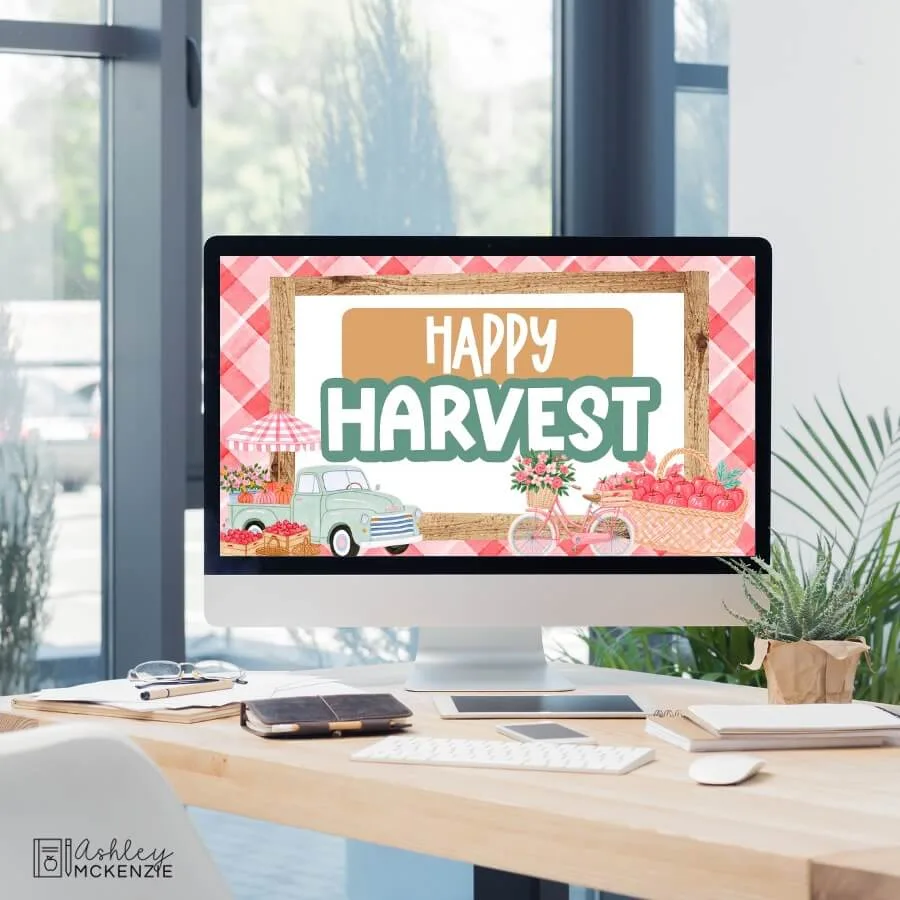

For example, you might use colorful fall designs in September, spooky or playful slides in October, Thanksgiving-themed designs in November, and cozy winter slides as the holidays approach.
You can also use your welcome slide to build in a quick morning activity. Add a question of the day, a would-you-rather question, a seasonal discussion prompt, or another simple activity students can complete while they unpack and get ready for the day.
This is a great way to make your existing morning routine feel a little more fun without adding another thing to plan.
2. Display Your Daily Schedule and Classroom Routines
Your students probably already know to check the board for their daily schedule or morning routine, so why not make those slides match the season?
Use seasonal Google Slides templates to display your daily schedule, morning meeting activities, special events, or other routines students need to check throughout the day. Having this information in the same place each day helps students know what to expect and makes it easier for them to follow your classroom routines independently. If you want more ideas for using Google Slides to support your classroom routines, check out my tips for improving classroom routines with Google Slides.
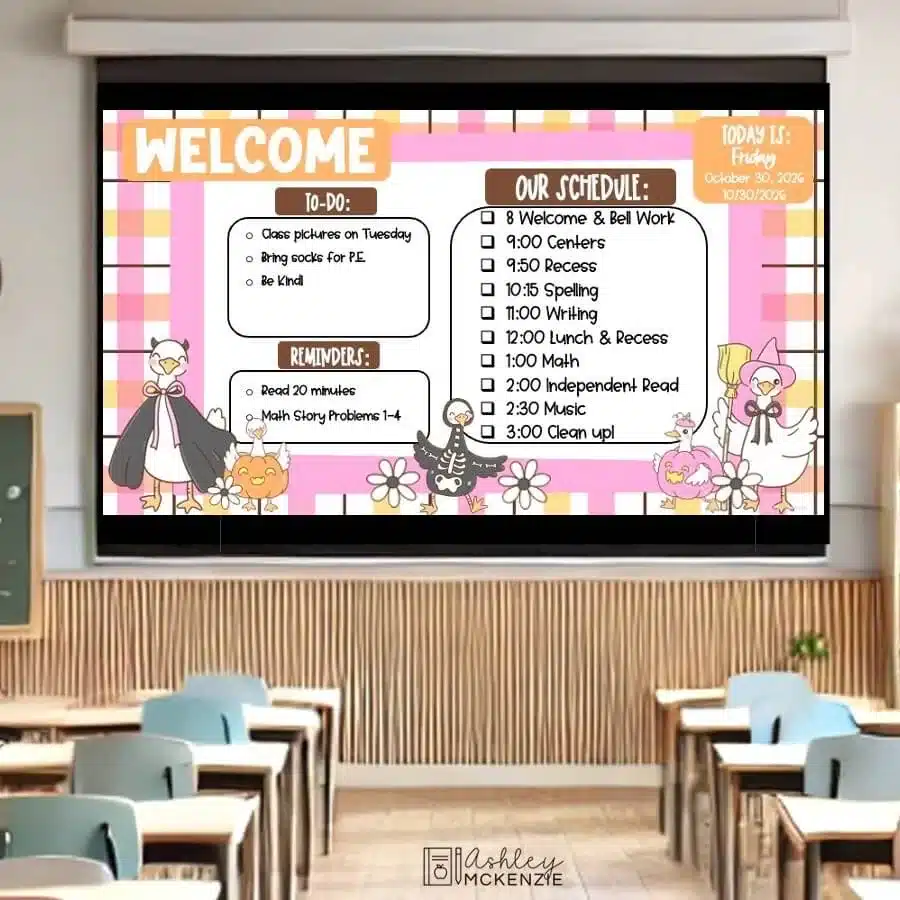
You can also use different slides for different parts of your routine. For example, you might have one slide showing the day’s schedule, another with your morning meeting information, and another reminding students what they need to do when they finish an activity.
The information on your slides can stay consistent, while the design changes with the season. That means you don’t have to reinvent your classroom routines every few months; you can simply swap in a new seasonal template.
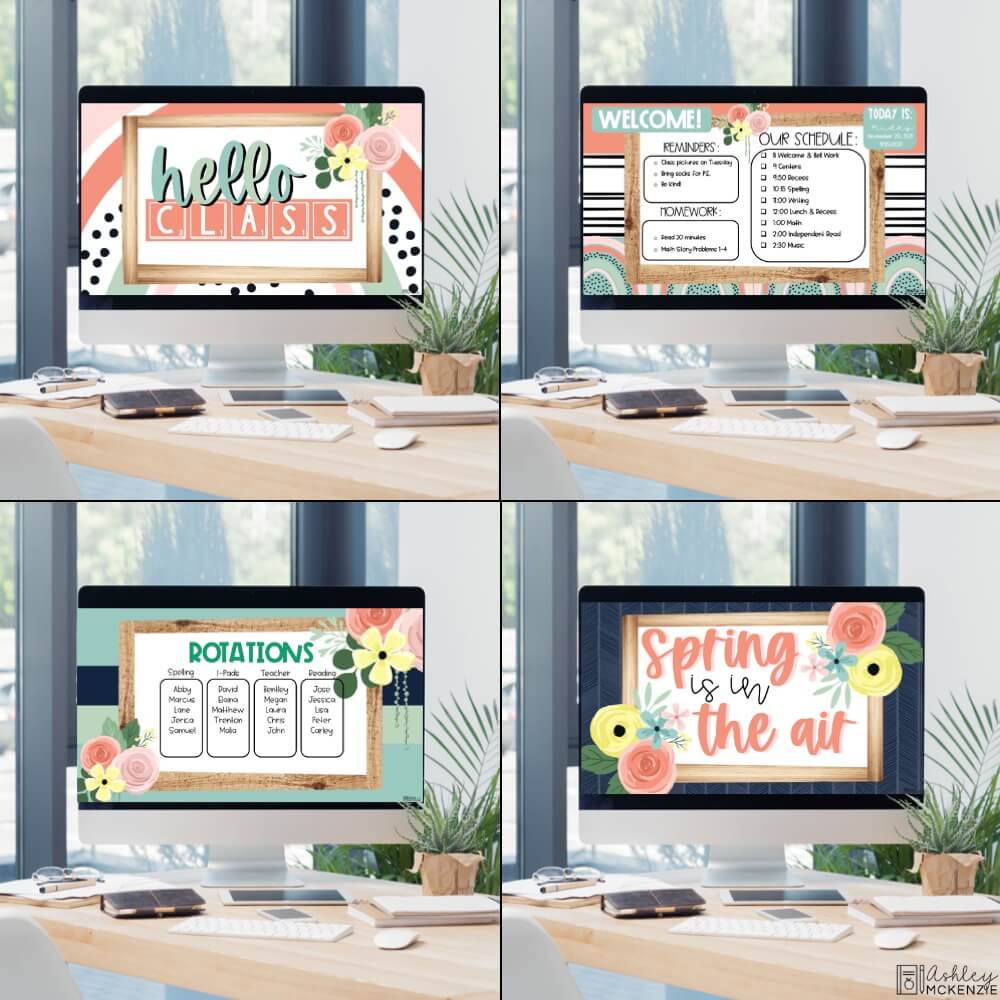
And this is where seasonal slides can become a part of your classroom decor, too. If your physical classroom has a fall, Halloween, Thanksgiving, or winter theme, using matching slides on your screen can help pull the whole look together.
3. Share Directions, Centers, and Learning Activities
Seasonal Google Slides templates aren’t just useful for displaying your schedule. You can also use them to give students directions and information they need throughout the school day.
Use a seasonal slide to introduce a new activity, explain directions for independent work, display center or rotation instructions, or remind students what they should be working on. Having these directions displayed on the screen gives students a place to look when they need a reminder instead of having to ask you every time.
For example, if your students are working through centers, you could have a slide showing the day’s rotations and another with directions for each activity. During a seasonal writing activity, you could display the writing prompt and a few reminders about what students should include in their work.
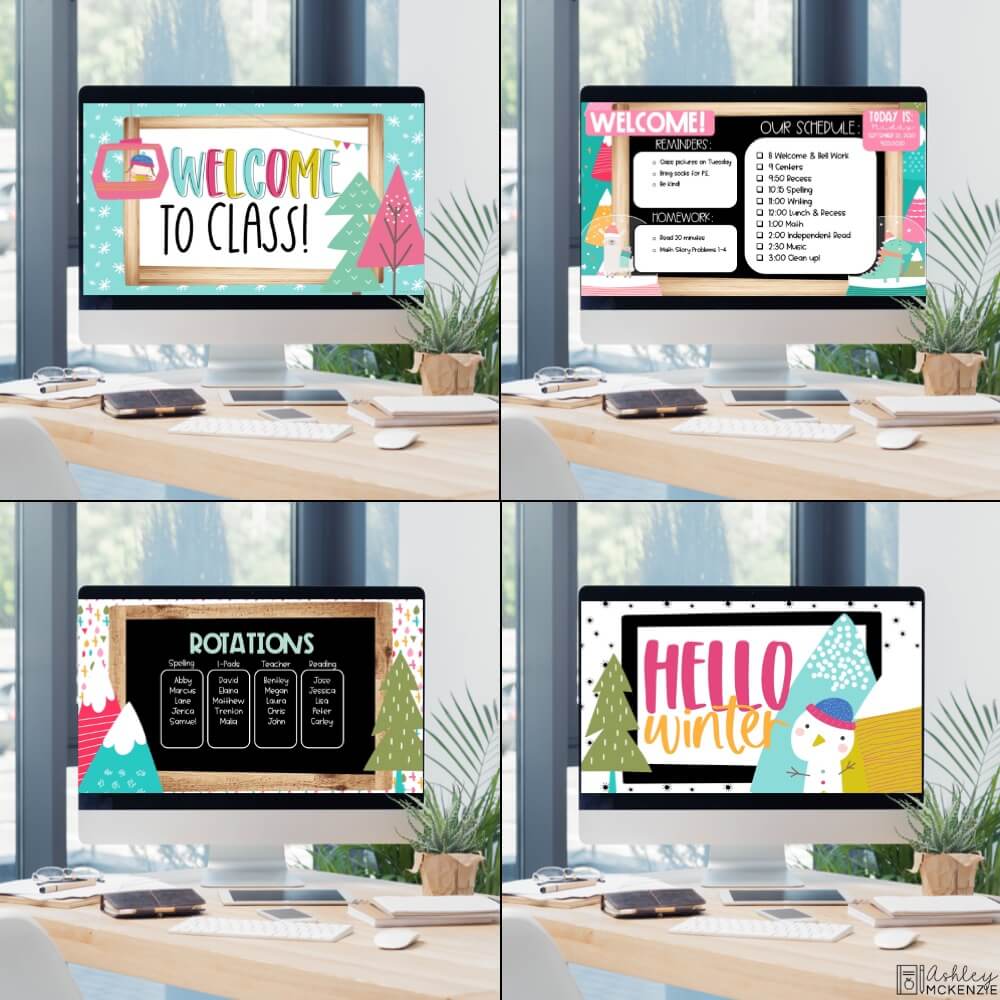
Seasonal designs can also make everyday activities feel a little more special. A fall-themed slide can introduce an October activity, while a Thanksgiving-themed design can add some seasonal fun to a writing or reading lesson without requiring you to completely change the activity itself.
And because you’re using templates, you can focus on adding your content rather than creating a new slide design every time you need to give your students directions.
4. Keep Students Updated With Announcements and Reminders
Your classroom screen is also a great place to keep students up to date with important announcements, reminders, and special events.
Use seasonal Google Slides templates to share information like upcoming classroom activities, school events, birthdays, field trips, holidays, or important reminders. You can also use a slide to display learning objectives or let students know what they should have ready for the next part of the day.
For example, a fall-themed slide could remind students about an upcoming field trip or class celebration, while a Thanksgiving-themed slide could highlight a special classroom activity or a holiday schedule.
Having these reminders displayed where students can easily see them means you don’t have to repeat the same information throughout the day. And because your slides can change with the seasons, even these everyday reminders can feel like a natural part of your classroom environment.
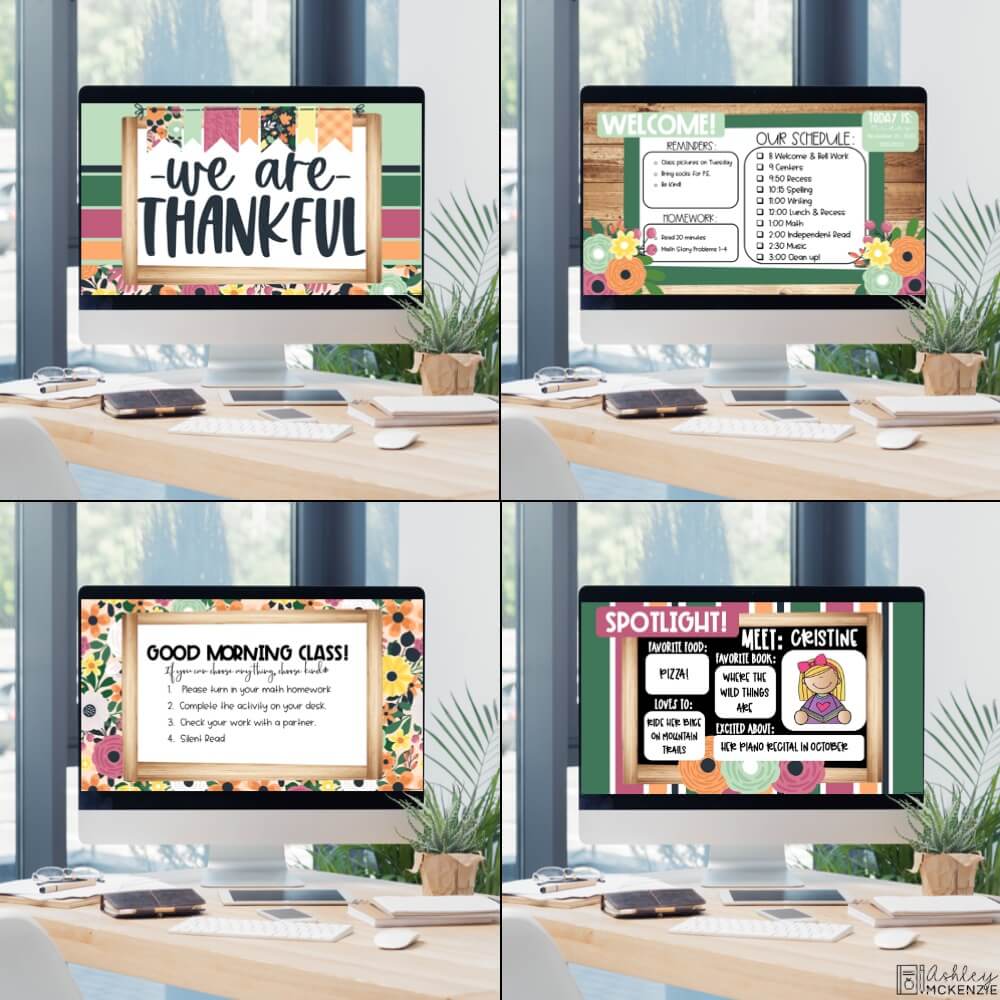
You can also use seasonal slides to highlight special moments in your classroom. Celebrate a student birthday, recognize a classroom accomplishment, or share a class announcement with a fun seasonal design that makes the message stand out.
5. Refresh Your Classroom Look Throughout the Year
One of my favorite things about seasonal Google Slides templates is how easy they make it to give your classroom a fresh look throughout the year without having to completely redecorate your classroom every time the seasons change.
If you already switch out your bulletin boards, door decor, or other seasonal displays, you can bring that same seasonal look to the slides you use on your classroom screen.
For example, you might use fall-inspired slides in September, Halloween designs in October, Thanksgiving slides in November, and winter or Christmas designs in December. As the year continues, you can switch to Valentine’s Day, spring, or summer designs to keep things feeling fresh.
The best part? You don’t have to change the information you’re sharing with your students. Your daily schedule is still your daily schedule, and your morning message is still your morning message. You’re simply giving those familiar routines a new look for the season.
This can be especially helpful if you enjoy creating a coordinated classroom theme. Matching your digital slides to your classroom decor is one more simple way to pull the whole look together. For even more ideas, check out my guide to Google Slides templates for the classroom.
Get FREE Seasonal Google Slides Templates
Ready to try seasonal Google Slides templates in your own classroom? I’ve put together a set of 20 FREE seasonal slides to help you get started!
This free download includes a mix of greeting slides for different seasons and holidays, along with templates you can use to display your daily schedule, share directions, give center or rotation instructions, and more.
They’re an easy way to add a little seasonal fun to your classroom screen while keeping the routines and information your students already know.

Grab your FREE seasonal Google Slides templates by subscribing to my email list below!
You’ll get my weekly newsletter loaded with classroom decor tips, updates, and access to great freebies like this!
Want More Seasonal Google Slides Templates?
Love the idea of switching up your classroom slides throughout the year? If you want more than the 20 free templates above, I have several seasonal Google Slides bundles with different themes and styles to choose from.
Looking for a large variety of seasonal and holiday designs? Start with my original Seasonal Google Slides Templates Bundle, which gives you plenty of options to use throughout the school year.
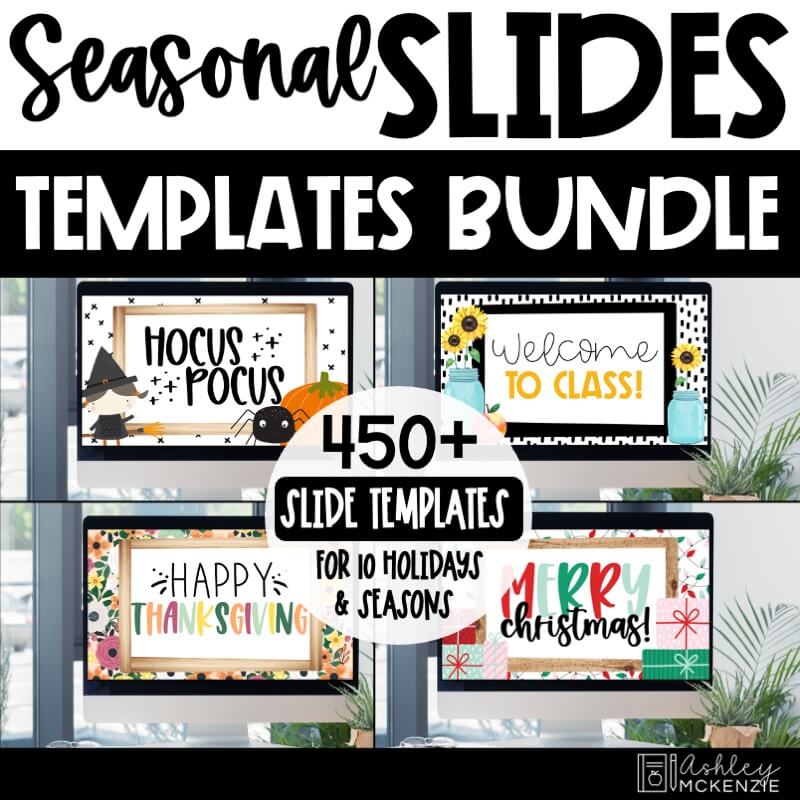
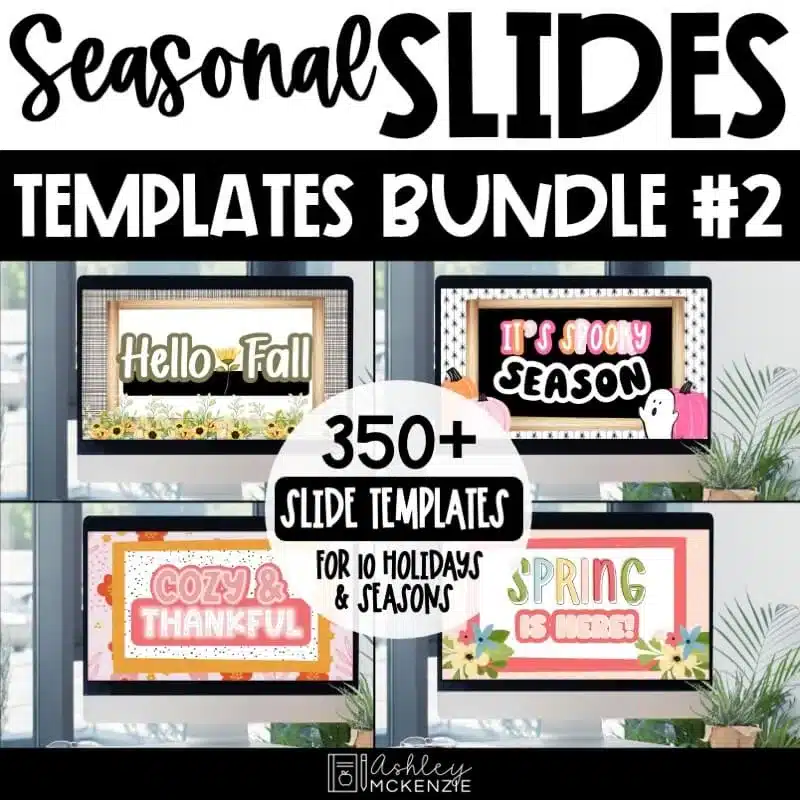
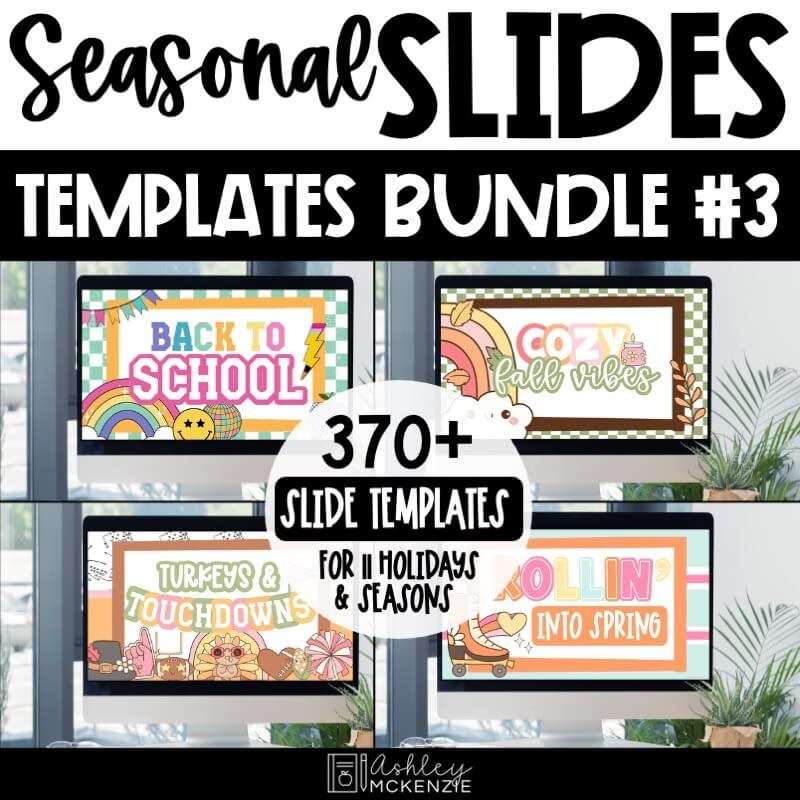
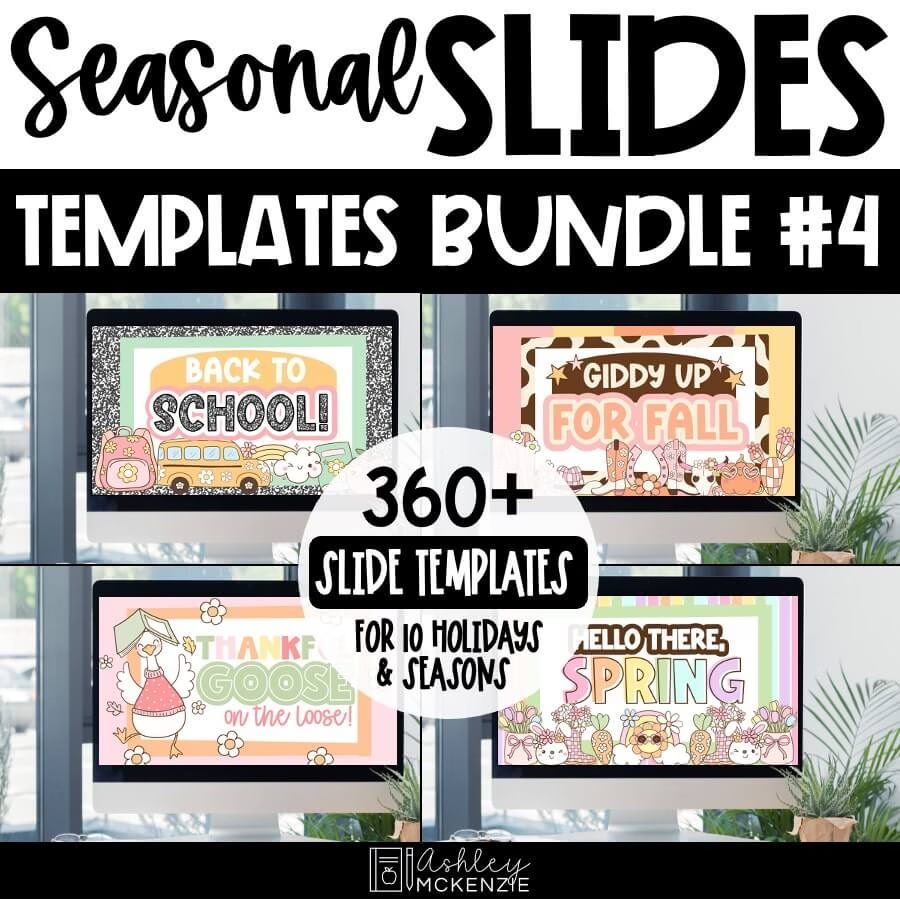
Prefer my newer classroom themes? I also have three additional seasonal slide bundles featuring some of my newer designs. Each collection has its own mix of seasonal themes, so you can choose the styles that fit your classroom the best.
Seasonal Google Slides Templates for the Classroom
Seasonal Google Slides templates are a simple way to keep your classroom screen feeling fresh throughout the school year while still supporting the routines you already have in place.
From morning greetings and daily schedules to directions, announcements, and seasonal classroom decor, there are so many ways to make your everyday slides a little more fun.
Ready to give them a try? Grab the FREE seasonal Google Slides templates above and start adding a little seasonal flair to your classroom!